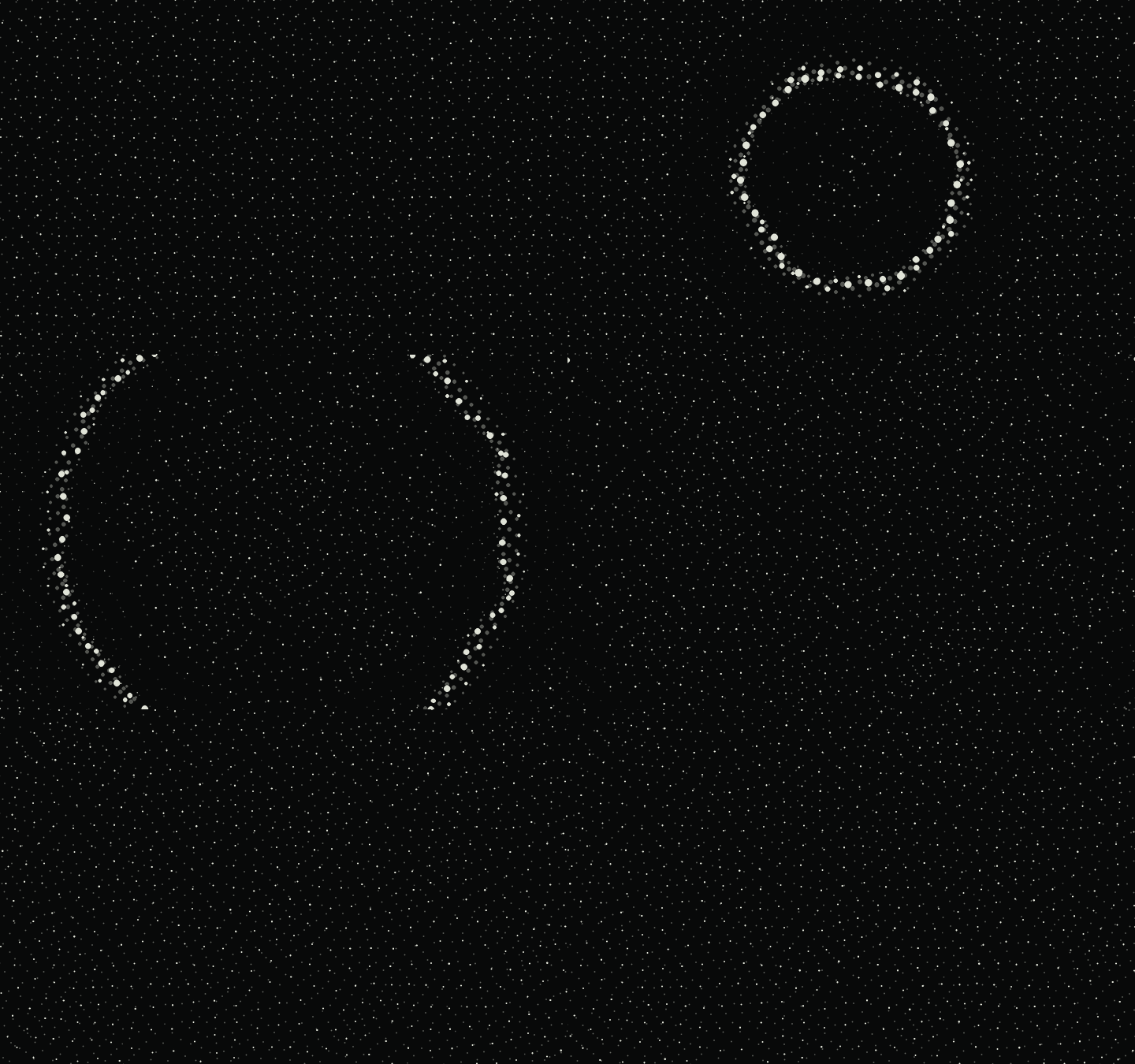
As a lover of motion design, show and movie titles have always held a special place in my heart. I recently started watching Pluribus, and though short, the haunting ripple title card is really eye-catching and does an eerie job of communicating the connectedness that the show is all about. I wanted to see if I could recreate that same effect in the browser with all of the new AI tools that have come out. The initial idea was a field of small dots on a grid, changing size as waves pass through it. Click somewhere and send a ripple across the screen. That was the starting brief I gave Codex, along with a link to the sequence.
The first version missed something. The dots grew and shrank, but they stayed nailed to the grid.
I asked for each dot to have a home position, with an elastic pull back toward it, damping, and turbulence. That gave the field actual motion. A ripple could shove a dot out of place, and the dot would overshoot and settle. I also wanted those values exposed. Describing how something should move gets you partway there. Dragging a slider while watching it move is a much faster way to fine-tune things. Then I noticed what looked like multiple planes of dots in the reference, and so added a rear layer with its own opacity and ripple response, followed by offset, rotation, grid scale, size, and depth controls. Rotating that grid against the front one gave me another way to break up the regular pattern.
The controls kept growing. So did the panel. I asked for tighter spacing, collapsible groups, and little info buttons instead of explanations under every slider, knowing I'd be sharing this experiment with people not familiar with a lot of these terms.
Noise needed more care. I wanted to decide whether turbulence touched dots before a ripple reached them. I added that control, plus Perlin, fractal Perlin, and Voronoi options. I also shifted the resting positions themselves, again based on noise. That let the grid hold some irregularity even when nothing was moving.
There are color, glow, trails, and chromatic aberration controls now too, just for fun and for crashing your browser if you turn them up too high. The result of all the tuning and tweaks is a small browser piece built from plain HTML, CSS, JavaScript, and a lot of adjustments to how a dot gets pushed away from home. It's a fun motion exploration, and it's always interesting to see just how much you can do in the browser, when before I would have had to build this with particles in Cinema 4D, AE, or Houdini.
Try Pluribus Field ↗